

A flight tracker turns a flight number into a live map. Type in the code to see the plane’s position, speed, altitude, and arrival estimate updating in real time. Learning how to use a flight tracker takes about five minutes.
Most guides stop at “enter the flight number and watch the map.” That misses what actually helps on travel day: alerts so you stop refreshing, reading the inbound aircraft to predict delays, and knowing when the airline’s app beats the tracker. Here is the full workflow, from first search to touchdown.
Pick The Right Flight Tracker For The Job
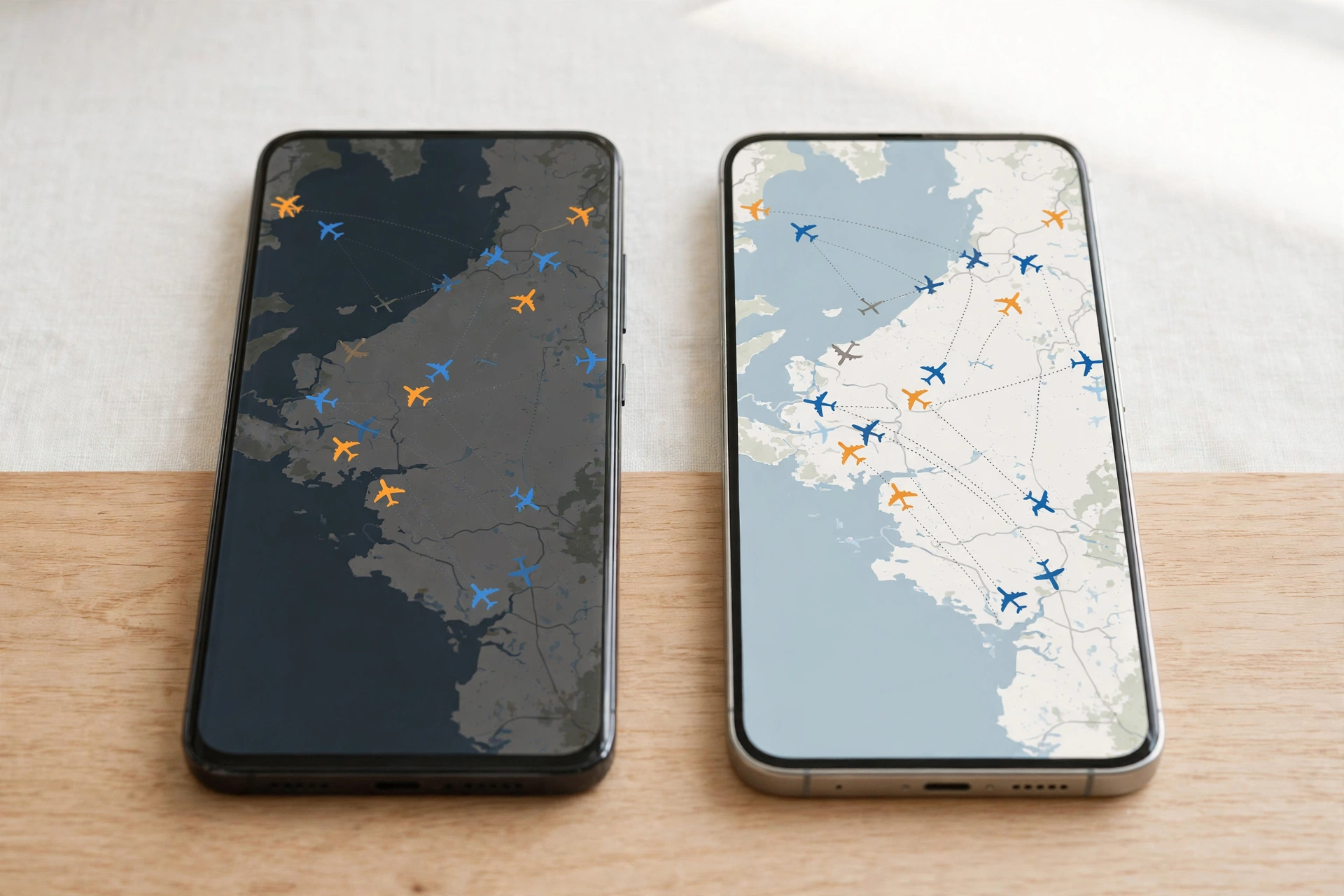
The first decision in how to use a flight tracker is picking the right tool. Flightradar24 and FlightAware are the two most widely used platforms, both free for basic tracking. Google gives you a zero-setup option, and your airline’s app covers the official side.
| Tool | Best For | Cost To Start |
|---|---|---|
| Flightradar24 | Live global map, aircraft detail, flight history | Free |
| FlightAware | US flights, delay data, inbound aircraft view | Free, no account needed |
| Google search | Fastest one-off status check | Free |
| Airline app | Official gates, rebooking, boarding passes | Free |
For a first-timer, Flightradar24’s map is the most intuitive, while FlightAware’s no-account website is the fastest. Flightradar24 leads on global map detail; FlightAware leads on US delay data and airport statuhttp://www.flightaware.com/live/?linkId=1009365943s pages.
For most trips, one tracker plus the airline app is the complete setup. Free tiers cover the core job; paid tiers mostly add longer history and extra map layers.
Step 1: Find Your Flight Number
Every search starts with one of three things. The airline code plus flight number (UA2457, DL118) is the most reliable. Airport codes for the route (JFK to LAX) work when you do not know the number. A tail registration number is the third option, mainly for following a specific airframe.
The flight number is printed on your boarding pass, confirmation email, and inside the airline app. If someone texts you “landing at 4 pm, flight UA2457,” that code is all a tracker needs. It is the least exciting part of the process, but it decides whether your search works on the first try.
One catch: the number on your ticket is not always the number the tracker indexes. On codeshare flights, your ticket shows the marketing airline’s code while the plane flies under the operating airline’s code. If a flight-number search comes back empty, search the route (airport to airport) instead.
Step 2: Search The Tracker
Type the flight number into the tracker’s search bar. Most trackers autocomplete and show matching flights, including ones on later dates. Pick the correct date: airlines reuse flight numbers daily, and the wrong date shows stale data.
Once selected, the tracker centers a live map on the aircraft and opens a status panel: scheduled versus estimated times, gate and terminal, and the current flight phase (boarding, taxiing, in the air, or landed). This search-and-select motion is the core mechanic, identical on every major platform.
Step 3: Read The Map And Status Data
The plane icon points in the direction of travel, and tapping it opens the detail panel. Reading that panel is where the real value starts.
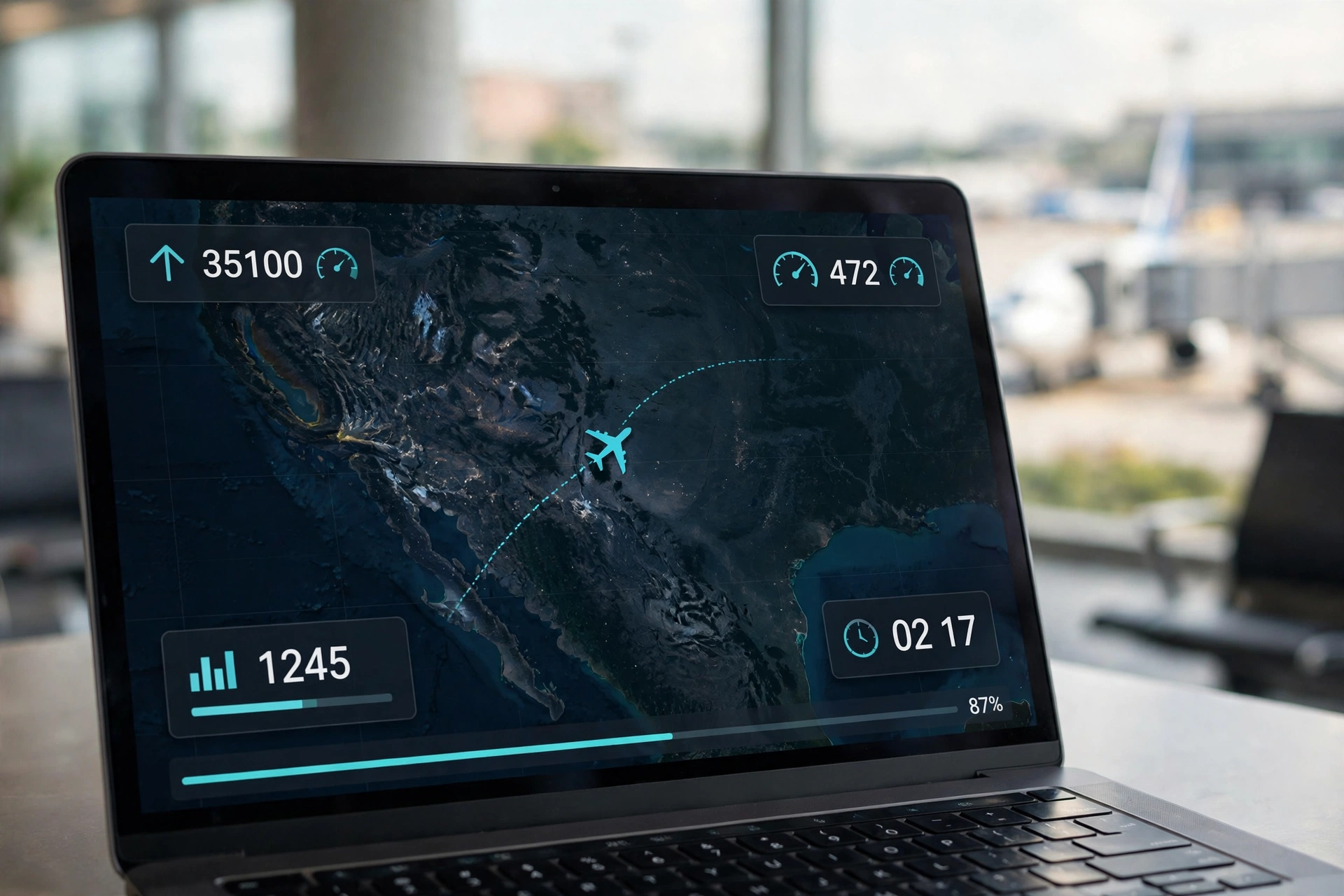
Altitude (feet) climbs during ascent and drops on descent, with cruising jets usually between 30,000 and 40,000 feet. Ground speed shows in knots or miles per hour, typically 450 to 550 knots at cruise. You will also see the aircraft type, the operating airline, and a progress bar showing how far along the flight is.
This live picture exists because most commercial aircraft broadcast ADS-B signals every few seconds to ground receivers, and Flightradar24 says its volunteer receiver network feeds those signals into its live map. That is why the tracker beats staring at the departure board. Before takeoff, it shows the scheduled gate, any known delay reason, and the inbound aircraft’s status. Weather overlays explain a lot: a plane circling before a storm cell is usually waiting for it to clear.
Step 4: Turn On Alerts
If you learn only one thing about how to use a flight tracker, make it this step. Set an alert once instead of reopening the app every ten minutes.

In FlightAware, search the flight and tap the bell icon for alerts on departure, arrival, gate changes, and delays. Flightradar24 offers similar alerts from the flight’s detail page in its app. Enable at least delay and gate-change alerts: those two change your plans.
If you are tracking someone else’s flight for a pickup, time your drive to the alerts, not the schedule. Most trackers notify you at touchdown and again at the gate. The “at gate” alert is the cue for curbside pickup, since passengers need 15 to 30 minutes after landing to reach arrivals. Get the timing right and you will never make a wasted airport run again.
Step 5: Track The Inbound Aircraft To Spot Delays Early
Here is the technique frequent flyers use and most guides bury. Your plane almost always flies another route before yours, so a late inbound leg means a late departure, often hours before the airline updates your status. This is the most powerful trick in the book.
On FlightAware or Flightradar24, check the aircraft’s recent history or tail number on your flight’s detail page, and find the flight it operated just before yours. If the inbound is still in the air with an hour left to fly while your boarding starts in 40 minutes, a delay is coming.
That early warning changes what you do next. Instead of watching the departure time slip at the gate, rebook from the lounge or call the airline while you still have options. Once you track this way, you stop reacting to delays and start seeing them coming.
When To Check: A Simple Travel-Day Timeline
Good tracking also means knowing when to check: at the right moments, not all day.
- Night before: look up your flight and glance at the inbound aircraft. If the same flight number ran late all week, plan for it.
- Morning of: check the gate and any delay before you leave for the airport.
- At the airport: keep delay and gate-change alerts on and stop refreshing manually.
- Picking someone up: do not leave home based on the scheduled arrival. Wait until the tracker shows the plane on descent, then time your arrival to the “at gate” alert.
For connections, track both legs in a watchlist instead of searching each one separately. If your first leg slips, you will see the risk immediately and can call the airline while still on wifi.
Flight Tracker vs. The Airline App: Which One When
The two answer different questions, so use each for what it does best. The airline app pulls from the airline’s internal operations system: fastest for official gate assignments, rebooked itineraries, and boarding pass updates. A tracker pulls from ADS-B position data and public schedules: best for seeing where the plane physically is right now.
Use the tracker to answer “where is my plane and why are we delayed.” Use the airline app to answer “what is my gate and what are my rebooking options.” Together they cover every scenario.
As a cross-check they are even better. If the tracker shows your inbound aircraft still on the ground with a tight connection ahead, check the airline app for rebooking options before you are stuck at the gate. If the airline app says delayed but gives no reason, the tracker often shows why.
Common Features Worth Knowing
Free tiers go further than most people expect. Flightradar24’s free plan includes the live map and aircraft type, while vertical speed, squawk codes, and more than seven days of history sit behind its paid Silver and Gold tiers. FlightAware’s free plan covers real-time tracking, basic delay information, and airport status with no account required.
Traveler-focused apps like Flighty lean less on the map and more on trip management, with gate-change alerts and plain-language delay explanations. Flight history lets you check whether an inbound aircraft ran late on its previous leg, though free tiers usually cap it at a few days. And if you ever wonder about the plane overhead, Flightradar24’s augmented reality mode lets you hold your phone up to the sky and see labels over real aircraft.
Why A Flight Might Not Show Up
Sometimes a search returns nothing, or a flight vanishes mid-route. Four common reasons explain most of them, and knowing them saves a lot of frustration.
Private and some military aircraft can request ADS-B blocking, which removes them from public trackers for privacy or security reasons. Coverage gaps also remain over remote ocean and polar routes, though satellite tracking has closed most of this gap on long-haul routes.
A flight with no aircraft assigned yet, common many hours before departure, shows only a scheduled entry. Codeshare flights may be indexed under the operating carrier’s number rather than the one on your ticket. If a search comes back blank, try the airport-to-airport route search.
Small Tips That Save Real Time
Double-check the date when a search returns multiple results, since airlines reuse flight numbers daily. For anything important, like a tight international connection, run two trackers side by side: data feeds can lag a minute or two, and cross-checking catches discrepancies early.
Turn on notifications instead of manually refreshing. A gate-change alert that arrives ten minutes before you would have noticed it is the entire point.
Bookmark the flight before it lands if you might need the record later: free tiers roll old flights out of the visible history window, so saving details early protects you for expense reports or delay compensation claims.
Start Using A Flight Tracker On Your Next Trip
That is how to use a flight tracker from first search to touchdown: pick the right tool, enter the flight number, read the map, set alerts, and check the inbound aircraft before the airline tells you there is a problem. Five minutes of setup replaces a day of refreshing and guessing.
Try it before your next trip. Search a flight you know, turn on one alert, and watch how the data reads. When a real delay hits, you will know exactly where to look.